Image to layers / Layer v1 working-file stress test
Search intent: best layer-aware image AI
Layer v1 audit: we stress-tested layer-aware image AI on three real handoffs
A production designer rarely needs ‘more layers.’ They need a new marketplace crop, a revised space, or an updated event poster before the original working file arrives. We ran those three jobs from unchanged PNGs and carried every result into an actual downstream edit.
Updated 2026-10-09
What you need to know
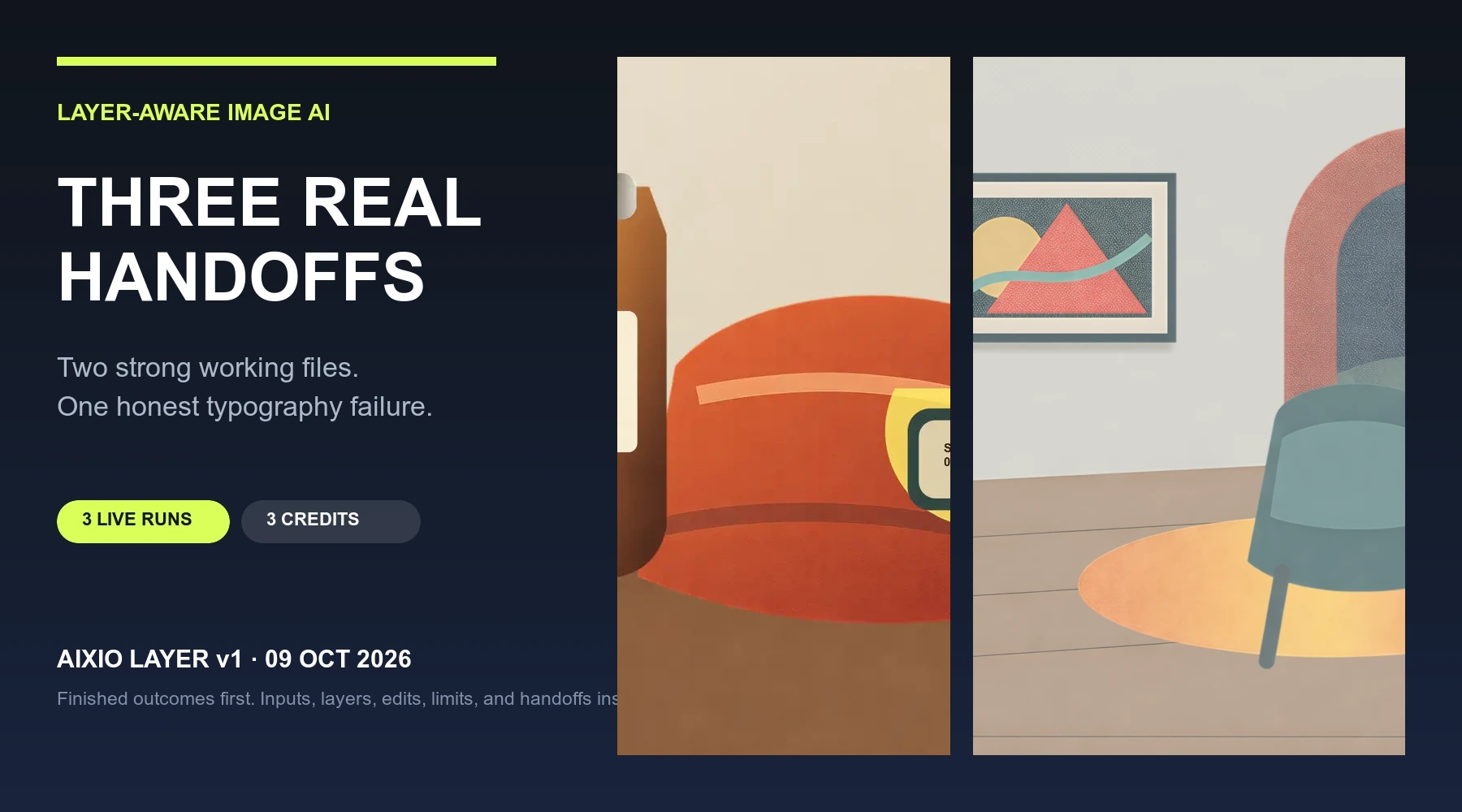
The best layer-aware image AI is the one that turns a flat file into useful working material. In three October 2026 Layer v1 runs, two sources produced strong reusable asset stacks and clean plates; one poster exposed a typography failure during a real rewrite. Judge the editable handoff, not the layer count.
| Executed | 3 distinct briefs | Commerce · interiors · events |
| Strong handoffs | 2 of 3 | Usable assets plus clean plates |
| Observed cost | 3 credits | 1 credit per unchanged PNG |
The exact test protocol
All three original PNGs were uploaded unchanged to one authorized Aixio Studio Canvas on October 9, 2026. For each source we chose Edit Layers, then Place editable layers. Layer v1 uses a fixed decomposition recipe here: there was no text prompt, seed, strength slider, model substitution, or hidden manual mask. The account balance moved from 10 to 7 credits across the three completed jobs.
The acceptance test happened after generation. We inventoried the returned text, visual, and clean-plate layers; downloaded the image assets; performed the target move or rewrite; exported a useful layout; and recorded what still required manual correction. No paid corrective rerun was used.
- Input preparation: export the highest-resolution flattened file available; do not screenshot, resize, or pre-mask it.
- Model and settings: Aixio Layer v1; Place editable layers; one page; unchanged source; 1 credit observed per run.
- Inspection: object grouping, alpha edges, clean plate, text selection, reading order, crop tolerance, and full-size export.
- Handoff: source, actual exported layers, manually composed result, manifest, failure note, and editable source SVG for replay.
Why layer recovery instead of masking or regeneration
A background remover would isolate one foreground subject but would not return the wall, floor, product labels, or text system needed for these jobs. Regeneration could make a new picture, but it would change the very products and compositions the production team had already approved.
Layer recovery is the right technique when identity and placement must survive while a few decisions change. In the two strong cases, the clean plate plus coherent RGBA assets made the next layout controllable. In the poster case, the same test exposed where a rebuild was still safer.
What changed across the three cases
Commerce needed object identity, label grouping, and a new aspect ratio. Interiors needed clean reconstruction behind moved furniture. Events needed live type that could survive a longer phrase. The same Layer v1 action was reusable, but the acceptance rubric and downstream handoff were not.
Mesa and Arc House passed because their key visual assets remained coherent and the plate held up after movement. After Dark failed because editable text was not enough: line length, style runs, contrast, and available width broke under the requested copy change. The statement applies to the runs shown, not every possible source.
- Reusable: unchanged source, one fixed Layer v1 run, manifest, 100% edge review, and a real downstream edit.
- Case-specific: marketplace crop and label regrouping; floor reconstruction and spatial balance; headline length and typographic continuity.
- Tested scope: three original single-page PNGs with graphic shapes and display type. This is not a success-rate benchmark for photography, hair, tiny legal copy, or multi-page decks.
The social technique used prompts; this Aixio workflow did not
The high-attention LayerExtract and LayerRemove post that inspired this test documented two prompt-driven recipes: “Extract the following object: xxx” and “Remove the object from Figure 2 in Figure 1.” The accompanying ModelScope pages were retrieved October 9, 2026. Those are source recommendations, not prompts tested in Aixio.
Aixio Layer v1 instead decomposed the whole design through the fixed Edit Layers action. Our tested recipe is therefore operational, not prompt-based: prepare the unmodified source, run Place editable layers, inventory every returned object, inspect the clean plate, perform the intended edit, and reject any result that only looks complete before the edit.
A source comment asked whether an extracted object’s shadow should disappear too. Our practical answer remains case-dependent and tested rather than assumed: retain a shadow when it belongs to the product asset; rebuild or remove it when the object moves and the old lighting cue would be misleading.
Download the replayable handoff
The downloadable audit package contains the three original editable SVG sources, high-quality WebP copies of the inputs and image exports, both finished layouts, the poster failure evidence, and a manifest that distinguishes model output from manual downstream work. The evidence record retains the exact PNG inputs submitted to Studio; the public page uses optimized WebP copies.
That distinction matters. Layer v1 created the plates, assets, and live text. A human-composed ImageMagick export produced the two alternative layouts and added final marketplace copy. This test does not claim one-click batching, automatic art direction, or a saved public Skill.
From flat file to next edit
- Write the downstream job first: the exact object move, text rewrite, crop, and finished file the team needs.
- Upload the untouched highest-quality PNG, choose Edit Layers, and select Place editable layers.
- Inventory text, visual assets, and the reconstructed plate before changing anything.
- Perform the real edit, inspect at 100%, export, and record every manual repair rather than grading the preview.
Common questions, answered plainly
What is the best layer-aware image AI?
Use the model that completes your next edit with the least rebuilding. In this three-source test, Aixio Layer v1 produced two strong asset-and-plate handoffs and one typography failure; that is useful evidence, not a universal ranking.
Should I compare models by the number of layers?
No. Count whether the meaningful objects, text, and background returned in usable form, then prove it by moving, rewriting, cropping, and exporting.
Does editable text mean the poster is production ready?
No. The After Dark test returned live text, but a longer headline overflowed and lost visual continuity. Rewrite the real copy before accepting the handoff.